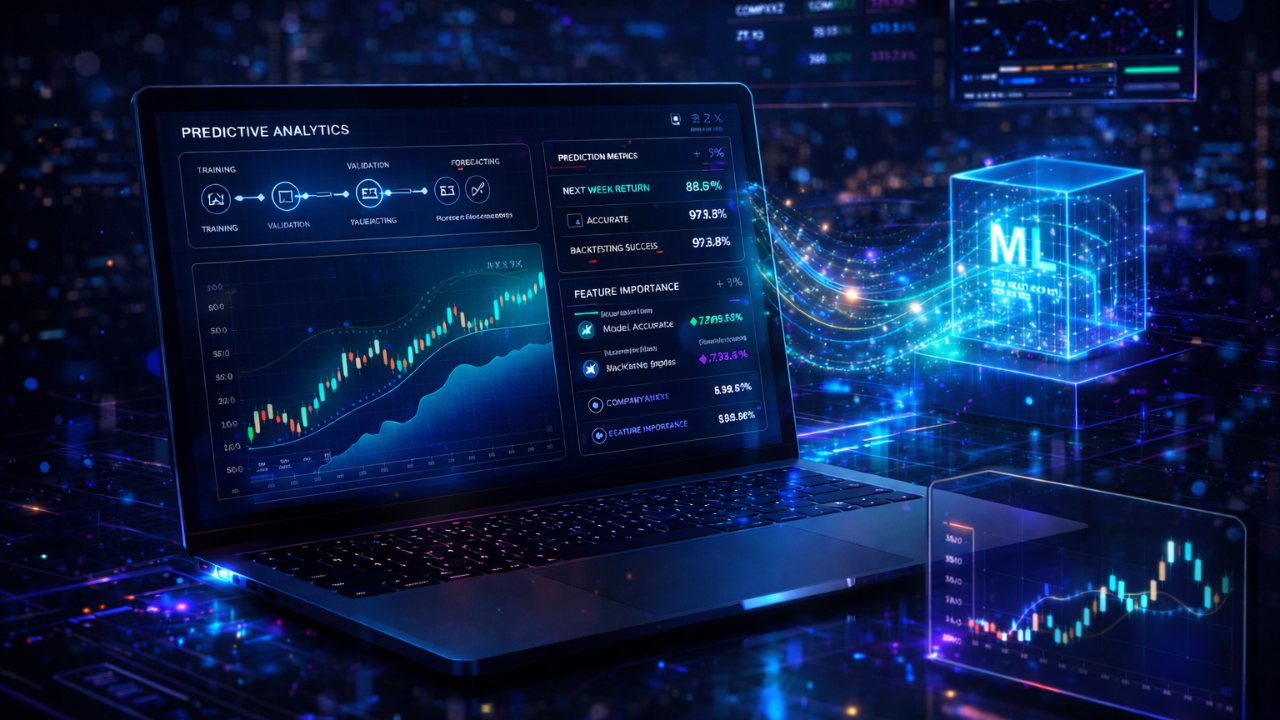
A SageMaker Canvas + QuickSight pipeline against a NASDAQ time-series dataset, end-to-end on AWS, built as a direct partner engagement with AWS itself. The point wasn't the model — it was proving how fast a real production-grade ML workflow ships when the stack is no-code, the data lives in S3, and the dashboard is one click from inference.
The pipeline takes a NASDAQ time-series dataset in S3, runs SageMaker Canvas AutoML against it for forecasting, and ships the output straight into QuickSight as an executive-grade dashboard with confidence-banded predictions. Tech Stack Playbook built it as a direct AWS partnership engagement — a reference implementation of the no-code ML workflow AWS wanted demonstrated end-to-end.
Below: the four-stage pipeline as a click-through visualizer, a live forecast chart with p10/p50/p90 confidence bands like the actual deliverable, and the architectural reasons no-code ML is the right pattern for far more workloads than most teams admit.
01 / THESISThe Real Question Isn't "Should I Use ML?" — It's "How Fast Can I Test It?"
Most ML projects die in the gap between "we have an interesting dataset" and "we have a working forecast that the business can actually use." The gap is filled with weeks of notebook-stage experimentation, model selection bikeshedding, infrastructure plumbing, and dashboard hand-rolling that turns a 3-day question into a 3-month project. Then leadership loses interest, and the model never ships.
The no-code ML pattern collapses that gap. SageMaker Canvas runs AutoML against your data — selects the model family, tunes hyperparameters, generates baselines, surfaces feature importance — without a line of Python. QuickSight reads directly from the same data layer, no custom dashboard build needed. S3 is the storage substrate the whole thing pivots around. Days, not months. And the moment the business sees the forecast, the conversation shifts from "should we invest?" to "how do we operationalize it?" That's the conversation that actually matters. We've shipped the same compress-the-feedback-loop pattern across our AI & ML engagements — productionizing models is a different game from training them, and it's the game most teams skip.
02 / PIPELINEHit Run. Watch the Whole Thing Execute.
Below is a live walk-through of the four-stage pipeline. Tap Run Pipeline and watch each stage activate sequentially as the data flows from NASDAQ source → S3 → SageMaker Canvas (AutoML model build) → QuickSight (executive dashboard). The progress bar tracks the end-to-end execution. Each stage is a real AWS service doing real work — the visualizer is just the choreography.
Why each stage is where it is
S3 is non-negotiable as the storage substrate — versioned, encrypted, IAM-governed, and the canonical interface every downstream AWS analytics service expects. Drop a CSV, get a queryable data source. SageMaker Canvas is AWS's no-code ML workbench: point it at your S3 bucket, pick the target column, choose forecast, hit build. AutoML evaluates multiple model families (DeepAR, ARIMA, ETS, NPTS, Prophet for time-series) and surfaces the winner with confidence intervals and feature importance. QuickSight connects directly to either the source data or the inference output — same security boundary, same governance, no hand-rolled dashboard backend.
03 / FORECASTThe Output the Executive Actually Sees
The whole pipeline collapses into a single visual: a forecast chart with the historical actuals, the median prediction (p50), and the confidence band (p10–p90) drawn around it. Below is a live mock of the QuickSight pattern we shipped — the actual line draws first as the model trains on the historical data, then the forecast median appears with its uncertainty cone fanning out into the future. That cone is the part that matters: a forecast without a confidence band is just a guess in a clean shirt.
The chart tells you three things at once: the trend in the historical data, the model's central prediction, and how confident it is. The widening cone is honest forecasting — uncertainty grows the further out you predict, and a model that doesn't show that is hiding it. SageMaker Canvas surfaces that uncertainty by default. QuickSight renders it in a way the executive can read at a glance.
04 / COMPARISONCode-Driven vs. No-Code — When Each One Wins
The point isn't that no-code beats code. It's that most ML workloads do not actually need code, and the fastest way to find out is to run the no-code pipeline first and reserve custom engineering for the cases where AutoML demonstrably hits a ceiling. That ordering inverts the default — most teams build custom and only later wonder if they could have shipped Canvas in a week. Same engineering judgement we apply when shaping multi-model AI platforms for production: pick the simplest stack that solves the workload, then earn complexity.
05 / GOVERNED"No-Code" Doesn't Mean "No Discipline"
The pipeline is no-code at the ML layer — the model is built without writing Python — but the infrastructure underneath is fully governed. The S3 bucket is versioned, encrypted, and locked down with bucket policies. Canvas runs in an IAM-scoped role with least-privilege access to exactly the bucket and prefix it needs. QuickSight permissions follow the same data classification. None of that is optional. The same DevSecOps discipline applies whether you wrote the model code yourself or AutoML wrote it for you.
# Versioned, encrypted, public-access-blocked. Canvas reads from here only.
resource "aws_s3_bucket" "ml_data" {
  bucket = "tsp-nasdaq-ml-${var.env}"
}

resource "aws_s3_bucket_versioning" "ml_data" {
  bucket = aws_s3_bucket.ml_data.id
  versioning_configuration { status = "Enabled" }
}

resource "aws_s3_bucket_server_side_encryption_configuration" "ml_data" {
  bucket = aws_s3_bucket.ml_data.id
  rule { apply_server_side_encryption_by_default { sse_algorithm = "AES256" } }
}

# Least-privilege role for Canvas — read-only on this bucket, nothing else.
resource "aws_iam_role" "canvas_execution" {
  name               = "sagemaker-canvas-nasdaq"
  assume_role_policy = data.aws_iam_policy_document.canvas_assume.json
}

data "aws_iam_policy_document" "canvas_read" {
  statement {
    actions   = ["s3:GetObject", "s3:ListBucket"]
    resources = [
      aws_s3_bucket.ml_data.arn,
      "${aws_s3_bucket.ml_data.arn}/*",
    ]
  }
}
Forty lines of Terraform. The whole governance layer. The Canvas user opens a browser, points at the bucket, builds a model — and inherits the entire security posture by default. That's the pattern: the no-code workflow rides on top of the disciplined infrastructure layer, never around it.
No-code ML isn't about avoiding engineering. It's about putting engineering effort in the right place — governed infrastructure, clean data, observable outputs — and letting AutoML do the part that doesn't actually benefit from a human writing custom training loops by hand.
06 / OUTCOMESWhat Shipped
Built in direct partnership with AWS as a reference implementation of the no-code ML pattern across S3 + Canvas + QuickSight.
From NASDAQ CSV to executive forecast dashboard with confidence bands — every step on managed AWS services, no model code.
SageMaker Canvas evaluated DeepAR+, ARIMA, ETS, NPTS, and Prophet in parallel — winner selected on backtest MAPE.
Terraform-defined S3 buckets (versioned, encrypted), scoped Canvas IAM roles, QuickSight access policies — discipline preserved end-to-end.
Stack
07 / TAKEAWAYThe Default Should Be No-Code Until Proven Otherwise
Here's the operational principle that came out of this engagement: every business-forecasting ML question should start with a no-code pipeline run, and only escalate to custom modeling when that run demonstrably hits a ceiling. The cost of running Canvas first is days. The cost of building custom first and discovering Canvas would have worked is a quarter. Default to the cheap experiment.
That principle generalizes well past forecasting. The same shape applies to classification, regression, and image-recognition workloads — try the managed AutoML path first, see what the ceiling is, escalate when (and only when) the data justifies it. We apply this default across every AI/ML engagement, from consumer health analytics to enterprise ML platforms. The fastest team to a working model wins more often than the team with the most elegant architecture.
Have a forecasting or ML workload that's stalled in notebook-land?
We partner with AWS-native teams to compress ML feedback loops — picking the right managed services, building governed pipelines, and getting forecasts in front of leadership in days, not quarters. Custom ML when the workload demands it, no-code when it doesn't.
Book a strategy call