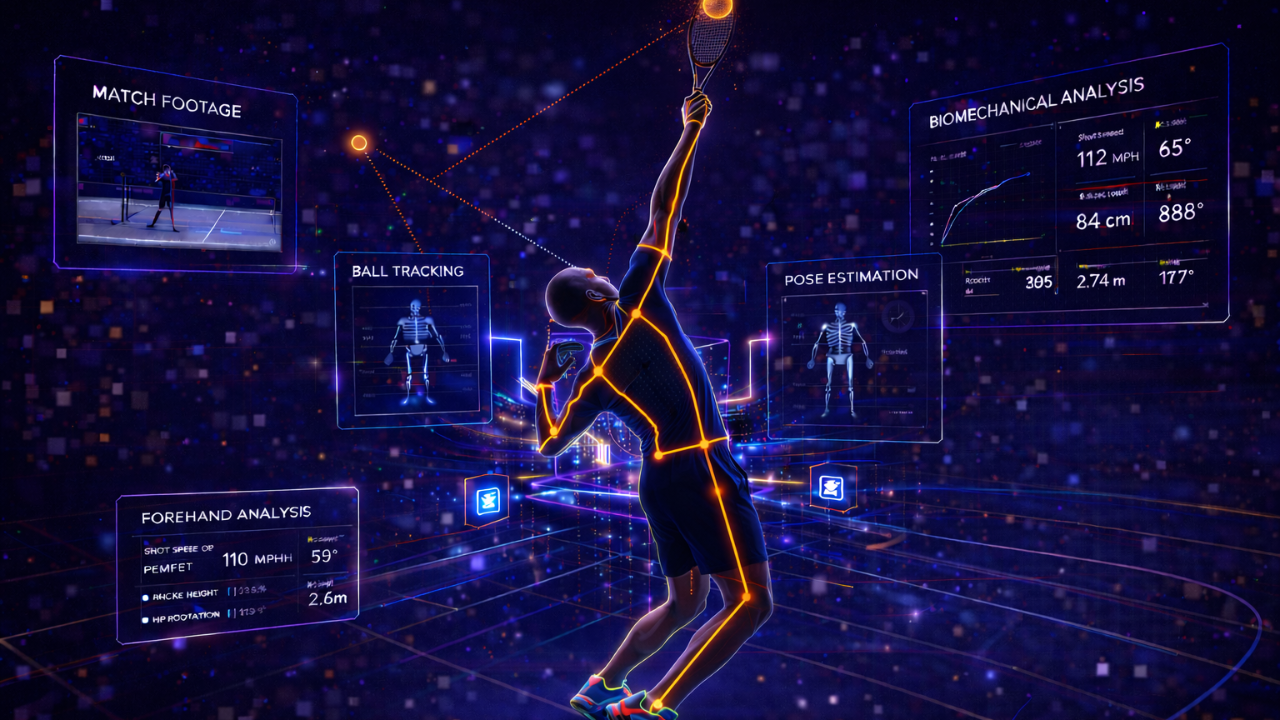
Pro tennis players have biomechanists and high-speed camera labs. Club-level competitors have their coach's iPhone. We built the analytical layer that closes the gap — pose estimation, real-world distance calibration, and shot-phase classification that runs on a laptop against standard phone video.
This is a software-only computer vision pipeline that takes raw tennis video — phone, coaching cam, match footage — and outputs annotated video with 33-landmark pose tracking, height-calibrated distance measurements, shot type classification, and phase tagging. Tech Stack Playbook built it as a TSP-internal product, born from a real training need during a competitive tennis comeback.
Below: a live animated pose tracker you can switch between serve, forehand, and backhand cycles, plus a 6-stage pipeline visualizer that walks through every model, every transformation, and the architecture decisions that made it run on consumer hardware.
01 / GAPDrawing a Skeleton on a Video Is a Demo. Measuring 3 cm Is Analysis.
Competitive tennis players invest in coaching, but the feedback loop between playing and improving is fundamentally limited by what a human can perceive in real time. A coach watches your serve and offers corrections — but the nuance of what actually happened biomechanically (the shoulder angle at trophy position, the degree of leg drive, the wrist snap angle at contact) evaporates the moment the ball leaves the racket.
The goal of this pipeline isn't to replace the coach. It's to give the coach (and the player) a quantified record of what just happened — measurable, comparable across sessions, and built from the same iPhone footage they're already filming. Every feature in this build exists because it solved a real training problem. None of it was hypothetical. The same instinct shows up in our Vitera health analytics work — serious athletes don't need another opaque score, they need an analytical layer they can actually interrogate.
02 / DEMOSwitch Shots. Watch the Skeleton Track in Real Time.
Below is a live animated pose tracker that mirrors what the production pipeline outputs frame-by-frame. Tap Serve, Forehand, or Backhand to switch shot type and watch the skeleton, joint distance measurements, and phase label all update live. The bounding box, racket detection, and FPS indicator are styled the same way the actual rendered output ships them.
Why MediaPipe BlazePose over OpenPose
OpenPose ships 17 keypoints. BlazePose ships 33 landmarks — the difference between "we know where the wrist is" and "we know the angle of the wrist relative to the hand at the moment of contact." For tennis specifically, the extra landmarks include hands, fingers, and feet detail that drive grip analysis, weight transfer measurement, and foot-strike pattern recognition. None of those are nice-to-haves. They're the difference between general-purpose pose estimation and a tool that tells you something useful about a serve.
03 / PIPELINEThe Six Stages, Click-Through
The pipeline is modular by design — every stage produces a defined output that the next stage consumes. Independent development, independent testing, independent improvement. Click any stage below to inspect what it does, why it's there, and the model or library that powers it.
Raw video enters the pipeline through OpenCV's video capture interface, with FFmpeg handling codec negotiation. Standard formats from phone and coaching cameras (.mp4, .mov, .avi) all pass through cleanly. Frame-by-frame extraction with configurable resolution and frame rate. Apple Silicon optimization leverages Metal Performance Shaders downstream.
YOLOv8 detects every person in frame plus the tennis racket (COCO class 43) in a single forward pass. Match footage with opponents, partners, and ball persons gets disambiguated through positional heuristics + ByteTrack identity persistence — the target player keeps the same ID across occlusions, court transitions, and camera angle changes. Racket detection runs at zero additional cost since the model already contains the class.
Once the target player is locked, MediaPipe BlazePose performs full-body pose estimation — 33 landmarks per frame including head, shoulders, elbows, wrists, fingers, hips, knees, ankles, heels, and toes. The 33-vs-17 difference matters: tennis-specific analysis (wrist angle at contact, heel-toe weight transfer, grip positioning) is impossible without hands and feet detail. Outputs both 2D screen coordinates and estimated 3D world coordinates for depth-aware analysis.
Raw landmarks are pixel coordinates. To produce measurements, the pipeline calibrates pixel distances to centimeters using the athlete's known height as a reference. Top-of-head landmark to ankle landmarks gives a pixels-per-centimeter ratio. As the player moves toward or away from the camera, the ratio recalculates per-frame so accuracy holds across the whole video. Once calibrated, you can compute stance width in cm, arm extension at contact, shoulder rotation angle, and knee flexion — quantitatively, comparable across sessions.
Shot type — serve, forehand, backhand — gets classified from landmark geometry alone, not from a separate ML model. Arm extension above shoulder height + characteristic trophy position = serve. Dominant-side arm extension with hip rotation toward the non-dominant side = forehand. Cross-body arm path = backhand. Then each shot gets phase-tagged: preparation, forward swing, contact zone, follow-through. Geometry-based classification keeps the system interpretable, adjustable, and functional without a thousand-shot training dataset.
All the analysis composites onto the original video — full 33-point skeleton overlay with color-coded limbs, joint dots scaled by detection confidence, bounding boxes around player + racket with class labels, distance measurement lines between landmark pairs with cm labels, and shot type / phase text overlays that update as the motion progresses. Encoded as H.264 MP4 via FFmpeg for universal playback. The output is the actual deliverable — drop it on the coach's iPad and you have a quantified review tool.
04 / HARDESTBall Detection — The Unsolved Problem in Sports CV
The hardest single problem in tennis computer vision isn't pose. It's the ball. Standard object detectors (YOLO, Faster R-CNN) are designed for objects of reasonable size. Tennis balls in match footage are 10–20 pixels across, traveling at 50–100+ mph, and appearing as motion-blurred streaks, not discrete objects. Single-frame detection fails categorically.
The pipeline architecture handles this with TrackNet — a heatmap CNN purpose-built for fast small objects, taking three consecutive frames as input so motion blur becomes a feature instead of a problem. Three-frame temporal context lets the network identify where the ball is across time, even when it appears as a streak. Heatmap output gives sub-pixel position estimates with confidence scores. Once you have ball positions per frame, ball-racket proximity computation flags contact frames automatically.
# TrackNet outputs a heatmap per frame triple. Peak = ball position.
def detect_contact_frame(
    ball_track:   List[BallPosition],   # sub-pixel positions per frame
    racket_boxes: List[BBox],
    threshold_px: int = 12
) -> Optional[int]:
    """Returns the frame index where ball-racket distance is minimal."""
    best_frame, best_distance = None, float('inf')

    for i, (ball, racket) in enumerate(zip(ball_track, racket_boxes)):
        if ball.confidence < 0.4:
            continue  # skip frames where ball wasn't reliably detected

        # Distance from ball center to racket bbox center
        d = euclidean(ball.position, racket.center)
        if d < best_distance and d < threshold_px:
            best_distance, best_frame = d, i

    return best_frame  # the frame where contact happened (or None)
Drawing a skeleton on a video is a demo. Measuring that your stance was 3 cm narrower on your forehand today versus last week — that's analysis. The whole point of the pipeline is the gap between those two things.
05 / OUTCOMESWhat Shipped
Full-body biomechanical landmarks including hands and feet — the difference between general pose estimation and tennis-specific analysis.
Height-calibrated pixel-to-centimeter conversion with per-frame recalculation for camera-distance changes during play.
Preparation, forward swing, contact, follow-through tagged automatically — enabling frame-level technique comparison across sessions.
Standard phone or camera video processed on Apple Silicon at 30+ FPS. No lab, no sensors, no markers, no $10K studio.
Stack
06 / TAKEAWAYReal Problems for Real People
Most "AI in sports" content is demo-ware. A skeleton overlay shipped to LinkedIn for engagement, no measurement, no comparability, no actual usefulness to anyone holding a racket. The most compelling AI projects are the ones that solve real problems for real people — and the test is simple: is the output something a coach would actually use, or is it a screenshot for a slide?
This pipeline got built because a competitive tennis comeback needed serve mechanics analyzed and no existing tool could do it without spending five figures on a sports science lab. Every feature exists because it earned its place during real training sessions. Same instinct runs through our AI & ML engagements — production systems built around real workflows, not benchmarks.
Have a real-world problem AI could actually solve?
We partner with product teams to build computer vision and AI/ML systems that ship — pose estimation, video analysis, biomechanical pipelines, real-time inference on consumer hardware. No demo-ware. Things people actually use.
Book a strategy call